Your photos stay with you.
Development runs locally on your computer. Your scans don’t need to be uploaded to a conversion service.
 Easy
Negative.
Easy
Negative.
Film negative conversion, made simpler
Turn camera-scanned film negatives into positive photos. Keep the grain, the little details, and the reason you shot film in the first place.
Processed on your computer. Your originals stay untouched.
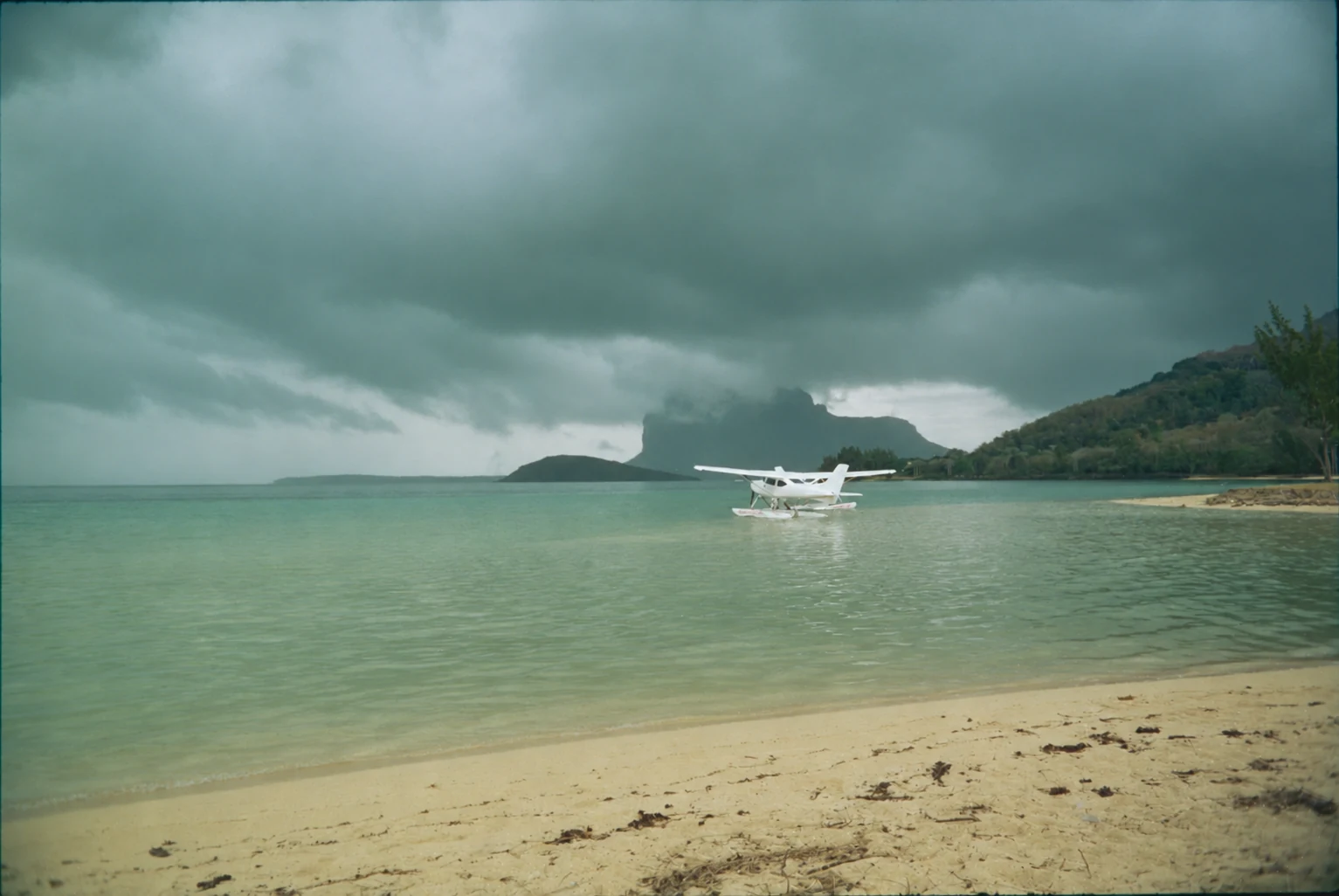 A negative. A little light. A whole memory.
Easy Negative removes the orange film mask and sets an initial exposure and white balance. Move the slider to compare the scan with the developed photo.
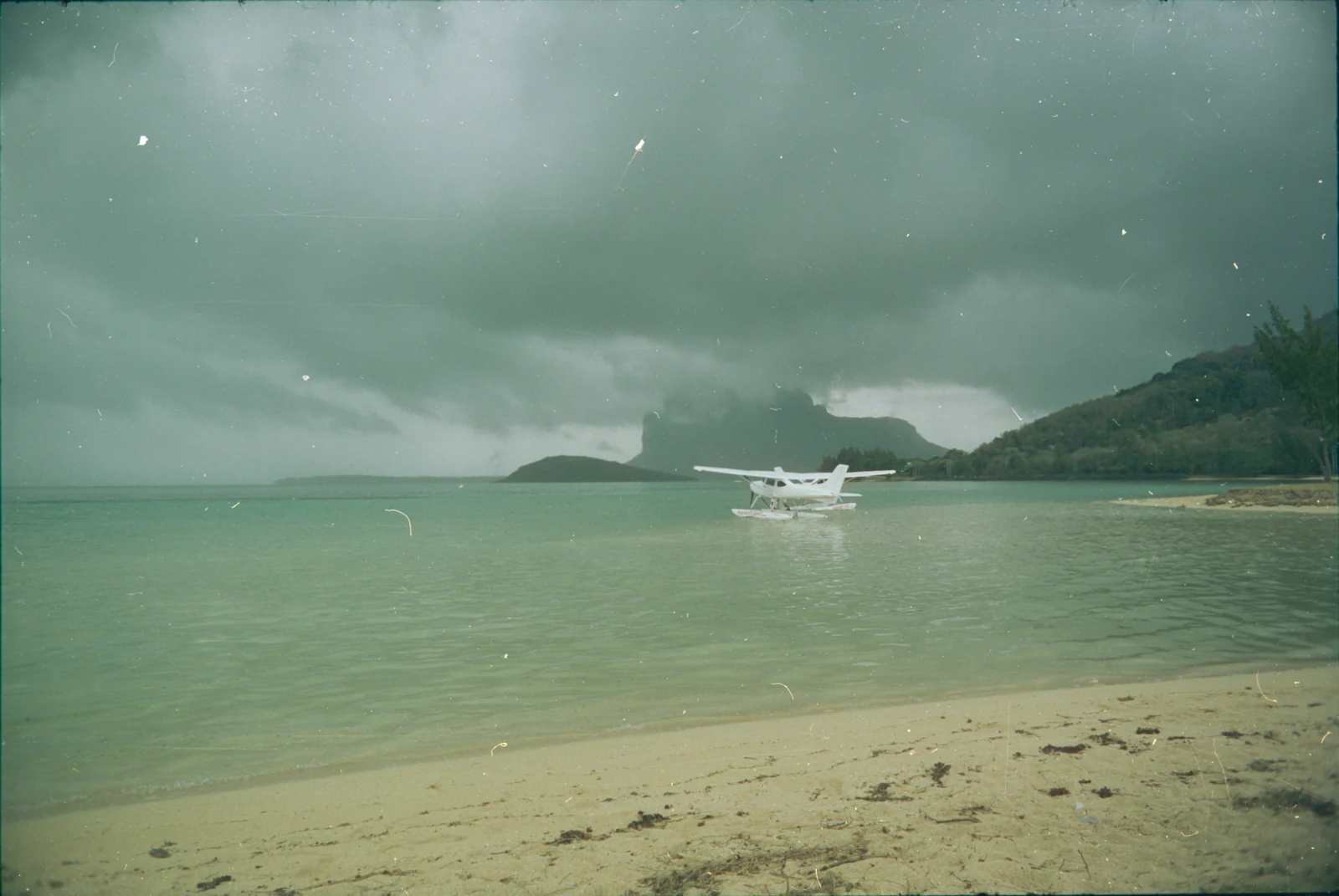
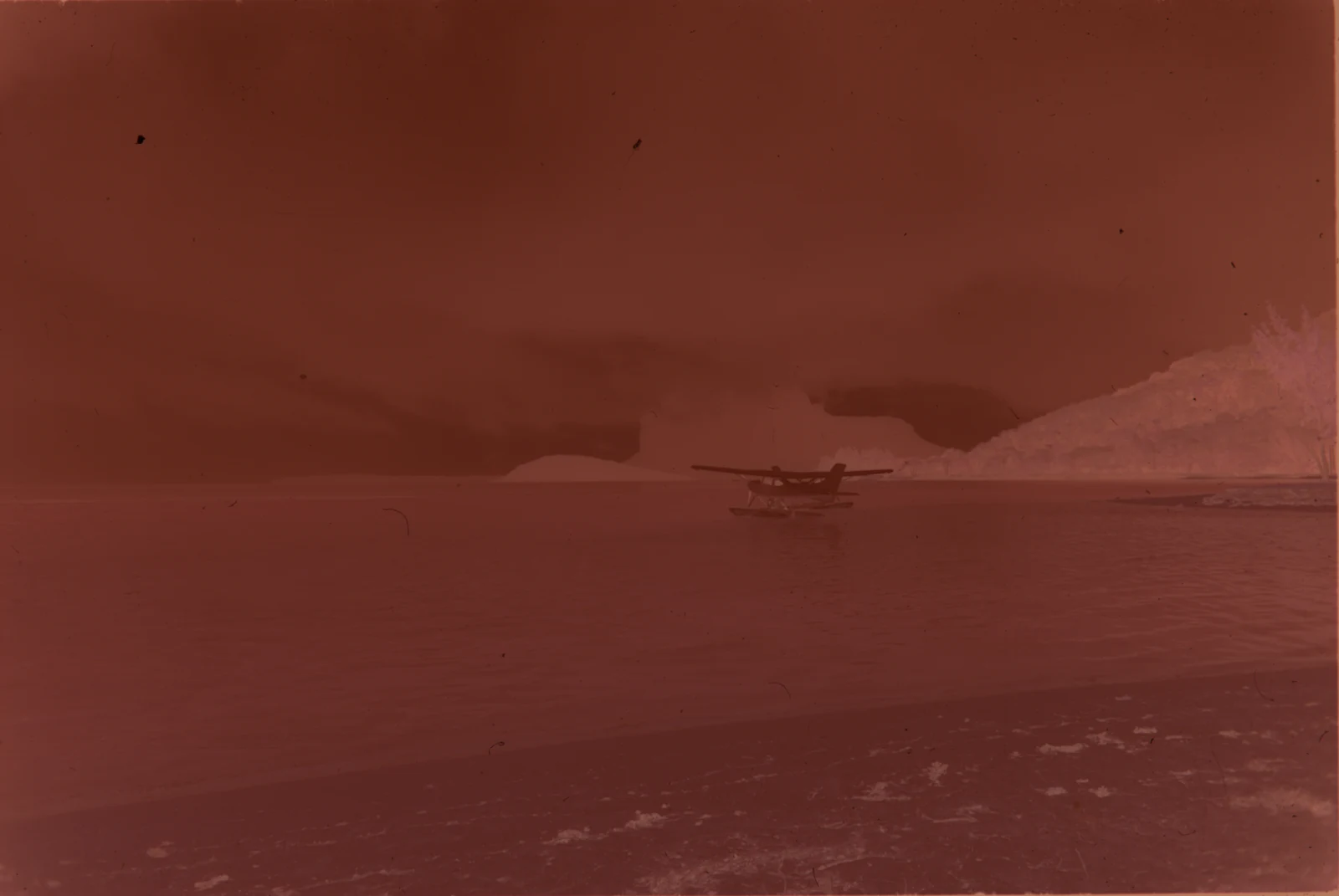
You’ve already done the interesting part: making the photographs. Here’s what happens after you scan them.
Photograph your developed negatives with a digital camera and an even backlight. Import the RAW files into the app.
Convert the negative into a positive, with an initial exposure and colour balance. Compare it with the original and inspect the details.
Rotate and crop in the macOS desktop build, then export a 16-bit TIFF. Keep a high-quality file for further editing and printing.
A focused workflow for photographers digitising film at home.
Development runs locally on your computer. Your scans don’t need to be uploaded to a conversion service.
Automatic film analysis helps with inversion, exposure, and white balance. Black-and-white is well supported; colour results can need refinement.
Source RAW files remain untouched. Developed photos are separate files, with editable profiles for further adjustments in RawTherapee.
The desktop workflow keeps the full scan, including film borders. You decide what stays in your final crop.
Easy Negative is a film negative converter for RAW files captured with a digital camera. It turns camera-scanned negatives into positive images. The underlying project is currently called Revelar.
You capture the scan yourself, using a digital camera, a suitable lens, and an even light source. Easy Negative handles the digital conversion afterwards. Your film needs to be chemically developed before scanning.
Yes. The current pipeline supports black-and-white and C-41 colour negatives. Black-and-white results are more established. Colour negatives, especially faded or difficult frames, may need additional adjustments using the saved profile in RawTherapee.
The current conversion workflow takes supported camera RAW files, including common formats such as NEF, ARW, CR2, and DNG. Support depends on the camera and decoder; the extension alone does not guarantee compatibility. JPEG and TIFF scans are not inputs to the current RAW pipeline.
The project is in development. The macOS desktop build supports importing, developing, comparing, rotating, cropping, and exporting photos. The command-line workflow also runs on Linux. Windows desktop work is still at an early stage. Current setup requires the repository environment and RawTherapee; there is no standalone download offered on this page.
Conversion runs on your computer and reads your source files without modifying them. Developed output is saved separately. Exporting from the desktop app keeps your managed full scan as well as your original RAW file.
Currently in development
We’re building a focused tool for developing camera-scanned film. The current macOS workflow already brings importing, conversion, comparison, cropping, and export together.
A public download is coming later.
This is a preview of the
product in development.